Practical ideas for smarter everyday spaces
Small Space TricksFR

Workspace · PRACTICAL GUIDE

Where to Put a Printer When You Have a Tiny Desk

A printer does not need to occupy prime desk space if you can keep it close enough to use while moving it to a secondary zone.

Where to Put a Printer When You Have a Tiny Desk

A printer does not need to occupy prime desk space if you can keep it close enough to use while moving it to a secondary zone. Start with what interferes with movement or daily use, then choose the simplest solution you can maintain.

6 ways to solve the problem

Use a narrow rolling cartA small cart can sit beside or under the desk and roll out for access.
Use a shelf beside the deskA sturdy shelf at a practical height moves the printer off the work surface.
Use a cabinet top you already ownIf ventilation and access are adequate, an existing nearby surface may be enough.
Consider under-desk placement carefullyOnly use the area if it does not reduce legroom, block controls, or create cable hazards.
Store paper vertically nearbyKeep paper and supplies in a file holder rather than stacking them around the printer.
Match access to frequencyIf you print once a month, the printer does not deserve the same prime position as equipment used every hour.
Small-space rule

Measure the circulation path and working zone first. Storage only helps when it improves access without making movement harder.

Why this approach works

In a small room, every addition has to justify its footprint. The most durable solutions use space that already exists, reduce the number of steps needed to put things away, and keep frequently used items easy to reach.

Before buying an organizer, test the idea with what you already own and verify the dimensions. That prevents a storage problem from turning into a crowding problem.

Continue with these guides

SOLUTION → FIT → PRODUCT

Concrete solutions for this exact problem

Start with the constraint, verify fit, then buy only when the dimensions and operating space match your room.

1 · DIAGNOSE

Move the printer out of the primary work rectangle while keeping paper, cables and service access practical.

2 · MEASURE

Measure printer width/depth/height, paper-tray extension, rear cable clearance and the full footprint with lids/trays open.

3 · FIT TEST

Plan for the printer’s operating footprint, not just its closed dimensions.

4 · REJECT IF…

Reject any location that blocks ventilation, requires lifting the printer for every use, pinches cables or steals leg/work space.

MEASURE → FILTER → VERIFY

Measure the printer operating footprint

Record the maximum width or depth available after allowing for paper loading, trays and cable bends.

cm
Where can the printer system live?

What your filter meansShowing all solution types. Add a measurement and choose the usable zone to narrow the shortlist.
illustrative visual: Narrow rolling printer cart
FIT FILTER 1

Narrow rolling printer cart

Use this solution type only after it passes the fit checks below.

Best whenThere is a side gap beside/under the desk and the printer needs to move for access.
Measure thisPrinter footprint, cart top, wheel/base width, paper-tray extension and route for rolling out.
Reject ifThe cart is unstable, too tall for the intended location or cannot move without disconnecting/pinching cables.
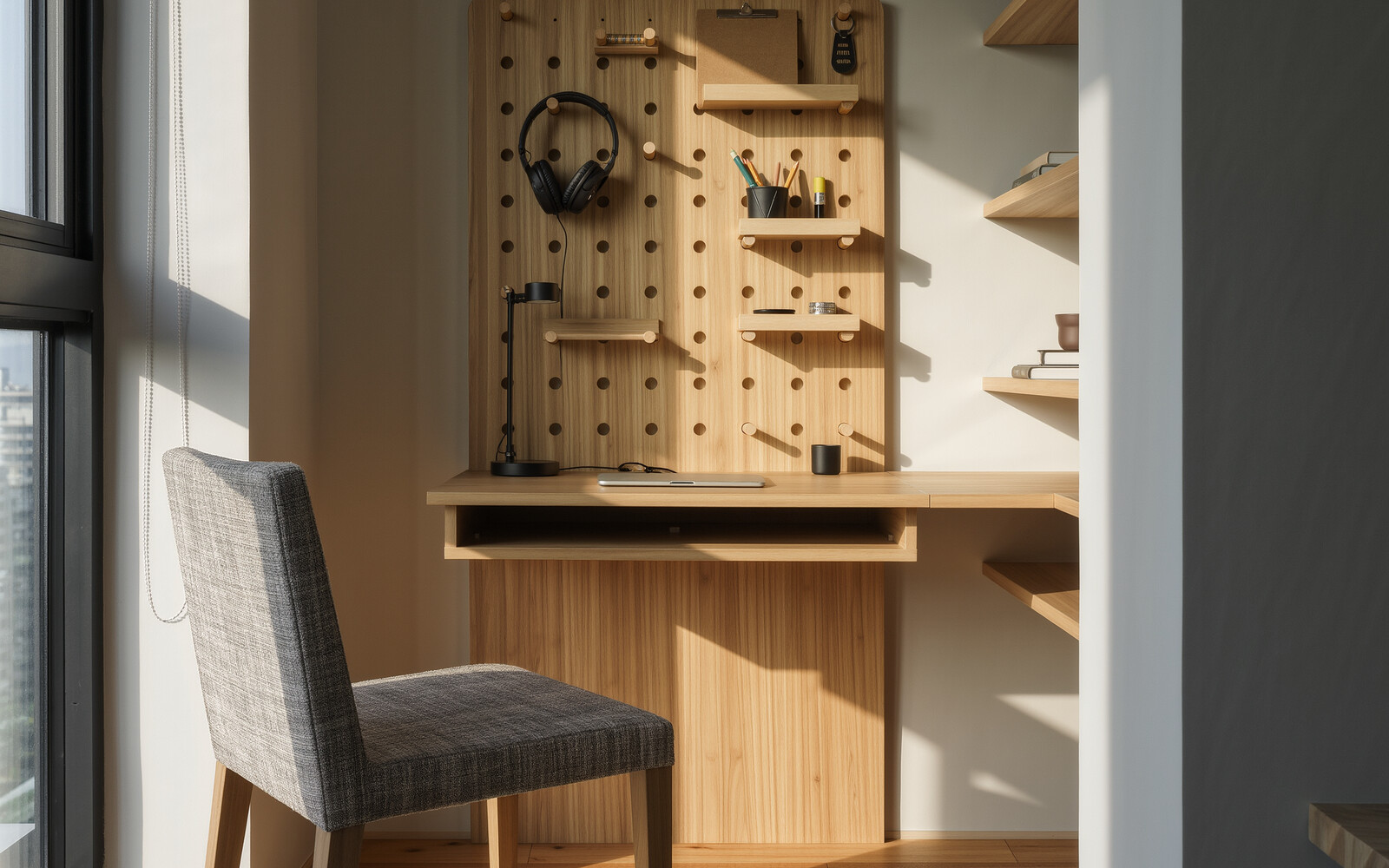
illustrative visual: Wall pegboard organizer
FIT FILTER 2

Wall pegboard organizer

Use this solution type only after it passes the fit checks below.

Best whenPrinter supplies and small accessories—not the printer itself—are cluttering the desktop.
Measure thisWall area, reachable height, accessory depth/weight and clearance from the printer/paper path.
Reject ifThe wall/fixing is unsuitable, loaded accessories project into head space or the board blocks access to the printer.
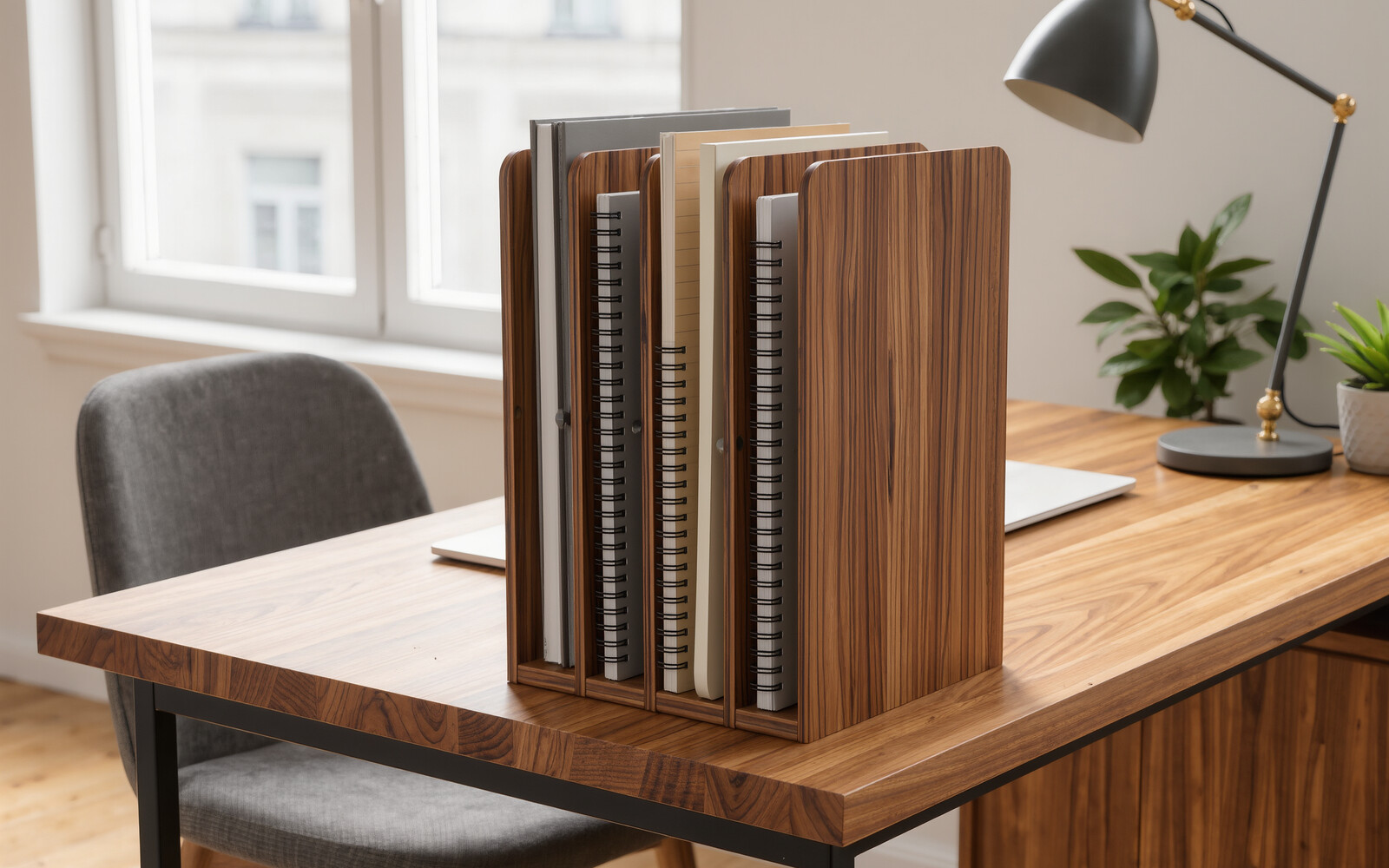
illustrative visual: Vertical file organizer
FIT FILTER 3

Vertical file organizer

Use this solution type only after it passes the fit checks below.

Best whenLoose paper and printouts are using horizontal desk area.
Measure thisPaper size, organizer footprint/height, shelf clearance and reach from the printer.
Reject ifThe organizer tips when loaded, blocks the monitor/view or creates more sorting friction than a simple tray/folder system.
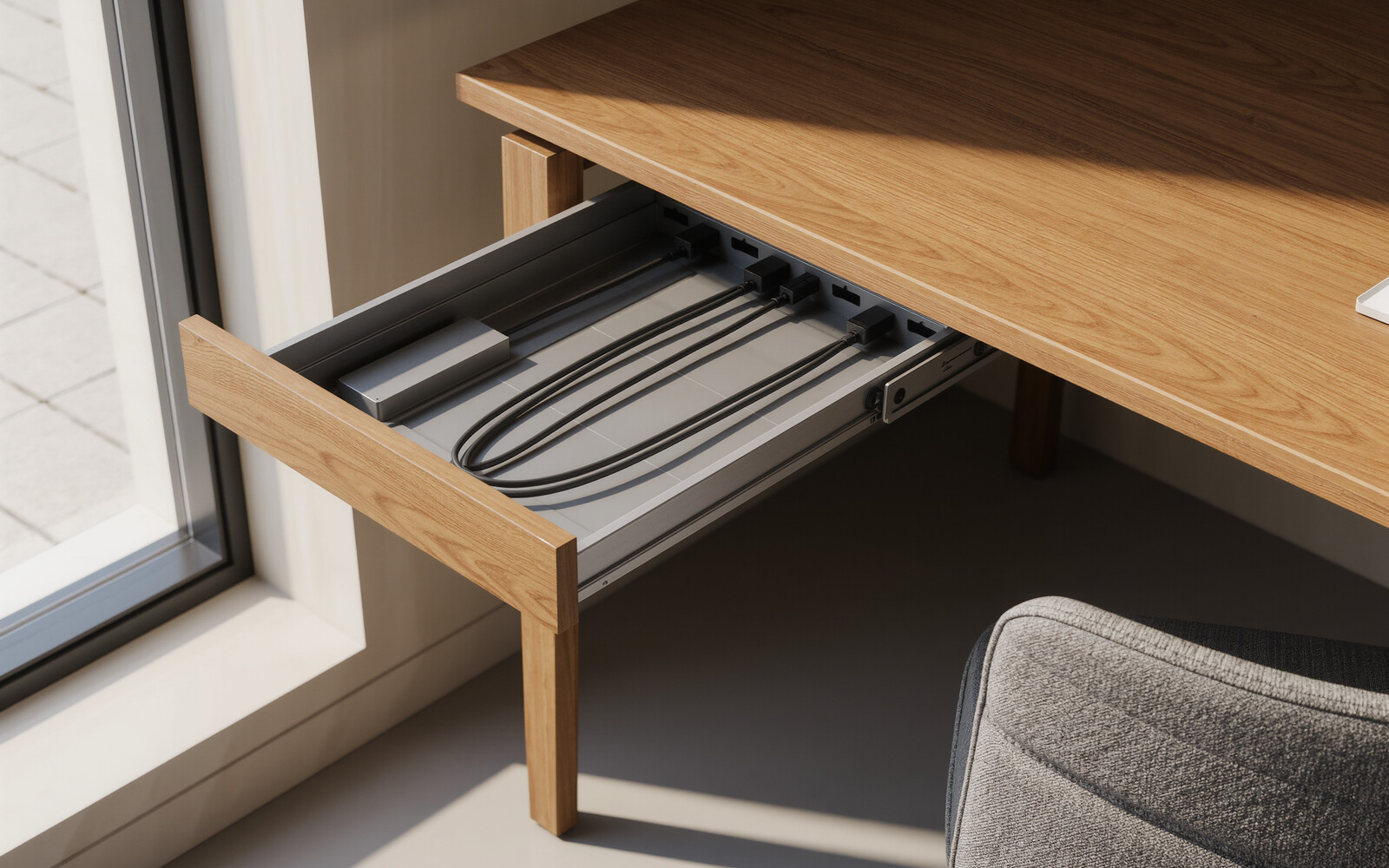
illustrative visual: Route printer cables under the desk
FIT FILTER 4

Route printer cables under the desk

Use this solution type only after it passes the fit checks below.

Best whenThe printer can move off the desktop but cables still create floor/desk clutter.
Measure thisCable lengths, underside route, desk-frame obstructions and plug access.
Reject ifThe tray creates tension in moving cables, blocks ventilation or makes disconnecting the printer difficult.
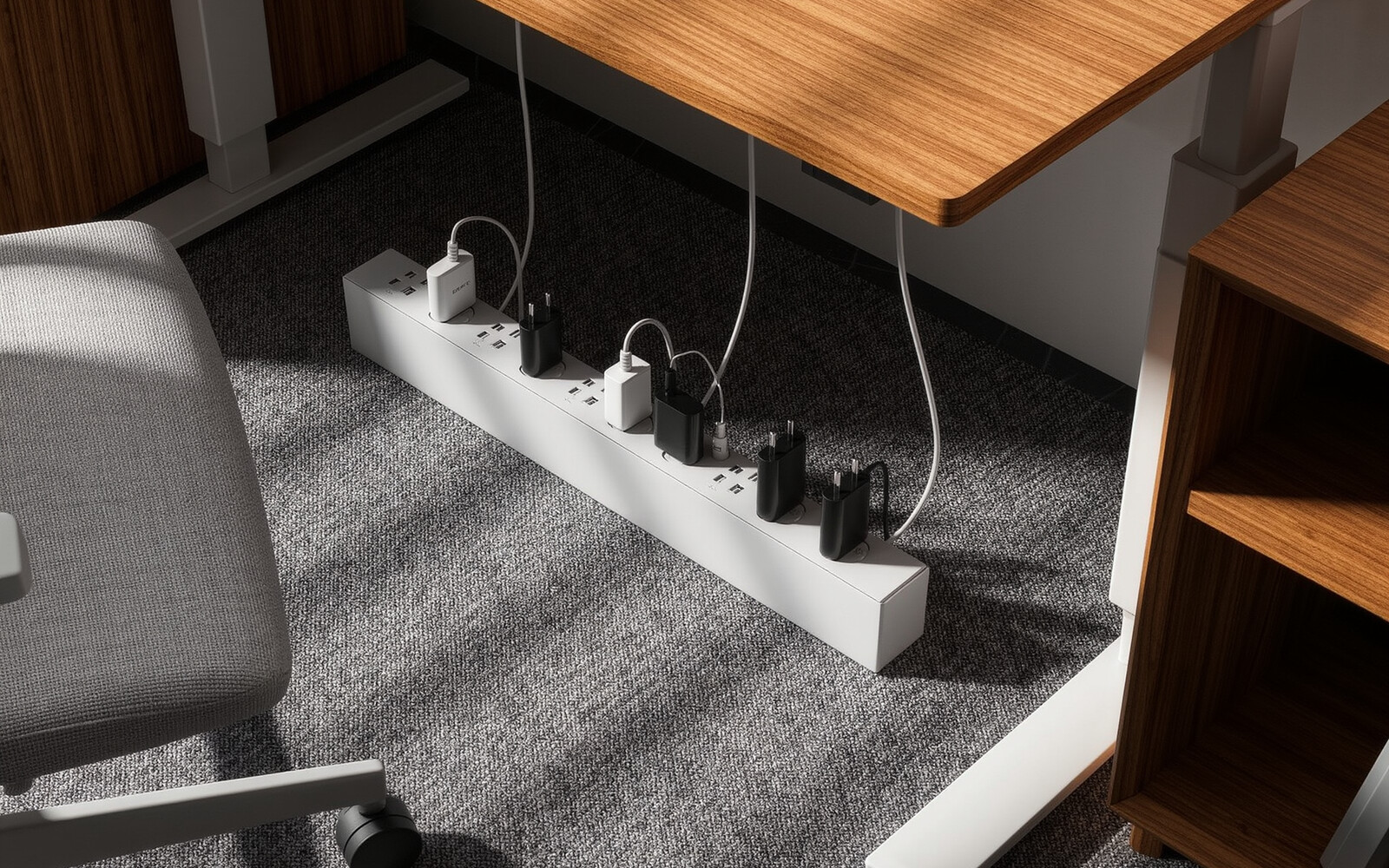
illustrative visual: Mount the power strip under the desk
FIT FILTER 5

Mount the power strip under the desk

Use this solution type only after it passes the fit checks below.

Best whenPrinter and computer adapters are consuming floor or desktop space.
Measure thisPower-strip size, holder range, plug clearance, ventilation and cable reach.
Reject ifThe holder blocks switches, traps heat or makes the power strip hard to isolate safely.

No solution is shown for this filter. Show all solutions and compare the fit checks manually.

How we evaluate a small-space solution

We do not rank a solution just because it is compact. We first identify the space problem, the limiting measurement, the operating clearance and the installation constraint. A product is worth considering only when its current listing dimensions and use requirements fit those limits.

Our rule: solve the constraint first, compare at least two viable options, and reject anything that creates a new circulation, access or maintenance problem.

Before buying: compare 2–3 viable options. Check dimensions, operating clearance, installation method, return conditions and current price—not just the product photo.

Visuals are illustrative and show the solution type, not necessarily the exact product. Some product links may earn us a commission at no extra cost to you. Always verify dimensions, mounting surface, load limits and clearances on the product listing.